USB audio interface count is the number of USB audio channels a guitar amp offers for digital connection to a computer. Your own recording setup, silent-practice needs, and whether you want one-way or two-way audio decide which count fits you.
Which USB audio interface count matches your setup?
| if this is you | the USB audio interface that suits you | why |
|---|---|---|
| You only need to send guitar into a computer. | 1 | One channel can cover a basic direct recording path. |
| You want to record guitar and another source separately. | 2 | Two channels let you keep the signals distinct. |
| You record dry and processed signals at the same time. | 2 | That setup usually needs one path for each signal. |
| You expect to monitor through the computer while recording. | 2 | Two channels give more room for send and return routing. |
| You run a simple home practice setup and never record more than one source. | 1 | Extra channels do not add anything if you never use them. |
| You already know your recording chain needs separate inputs and outputs. | 2 or more | The count has to match the routing you actually plan to use. |
Products in this category with a full review here
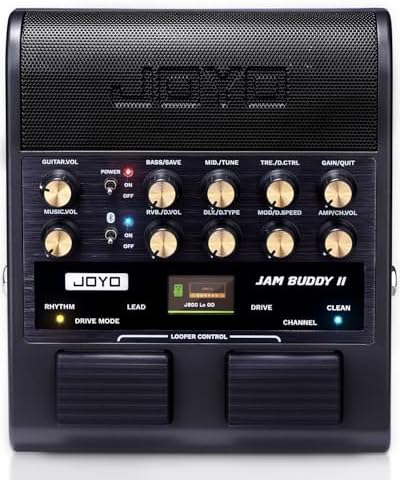
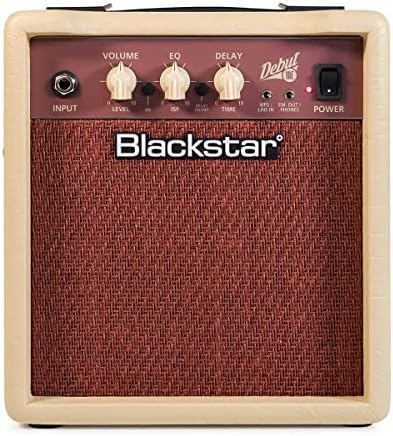
Each of the 3 shown here has its own full review on this site; they run from $109.99 to $419.99.
If you are just starting out, see our comparison of the best guitar amp for beginners.

How do you check your own USB audio interface count before ordering?
Count the number of separate USB audio paths your setup needs, not the number of jacks on the amp. A home demo of one guitar track needs 1, while a session that records guitar plus a second source needs 2.
Musicians looking to produce tracks should see how to find the best guitar amp for recording at home.
Look at the software or hardware you already use for recording. If it expects one input and one output stream, 1 may be enough; if it needs separate streams for tracking and monitoring, 2 is the safer match.
Understanding physics helps when you are deciding on the right speaker size for guitar amps.
Where to find the USB audio channel count
Where do you find the number? It is usually written in the specifications as USB audio channels, USB interface count, or USB recording interface count. If the listing names only USB audio and gives no count, treat the number as unstated rather than guessing.
For peace of mind, review the required certifications and safety standards for guitar amps.
A rehearsal clip with a direct guitar line and a separate processed line is a concrete example. That job needs 2 channels because each line has to travel on its own path.
Budgeting is essential, so see what guitar amps cost at every price level.
What goes wrong when the USB audio interface count is too low or too high?
Too few USB audio channels can block the routing you need. The problem shows up when you cannot separate tracks, cannot monitor the way you planned, or have to rewire the session around the amp.
Too many channels rarely hurt the sound, but they can make the choice harder to verify. If you never record more than one source, extra channels add complexity without changing the job you can complete.
Understanding the different categories is easier when you see the various types of guitar amps explained.
The mistake usually appears at setup time, not later. You open the recording software, and the amp cannot supply the separate paths your session expects.
New players should first learn how a guitar amp works and what it is.
USB audio interface count does not decide speaker size, wattage, or tone. It only tells you how much digital routing the amp can provide for recording and computer connection.
Protecting your investment is easy once you understand the different guitar amp warranties.
What should you do when you fall between two USB audio interface counts?
Choose the higher count only when your current setup already needs the extra path. If your use is still one guitar track into a computer, 1 stays the cleaner fit.
If you need a compact option, look at our spec breakdown of the Debut 15E.
If you are unsure, check the session you plan to run next month, not the one you ran last year. A future setup with separate recording and monitoring paths points you toward 2.
For a slightly more powerful option, read our full review of the Debut 15E.
What if you are torn between 1 and 2? Pick 2 when your recording chain has any separate send, return, or second source that you expect to use.
Digital modeling is popular, so see our full review of the Spark 40-Watt Combo.
Return policy matters here if the count is the only uncertain part of the purchase. A flexible return window gives you room to confirm that the routing matches your setup.
The rest of our guitar amplifier guides
Top Discounts is reader-supported: some links on this page are affiliate links, and as an Amazon Associate Top Discounts earns from qualifying purchases at no extra cost to you. Learn more.